GIR Mobile ID
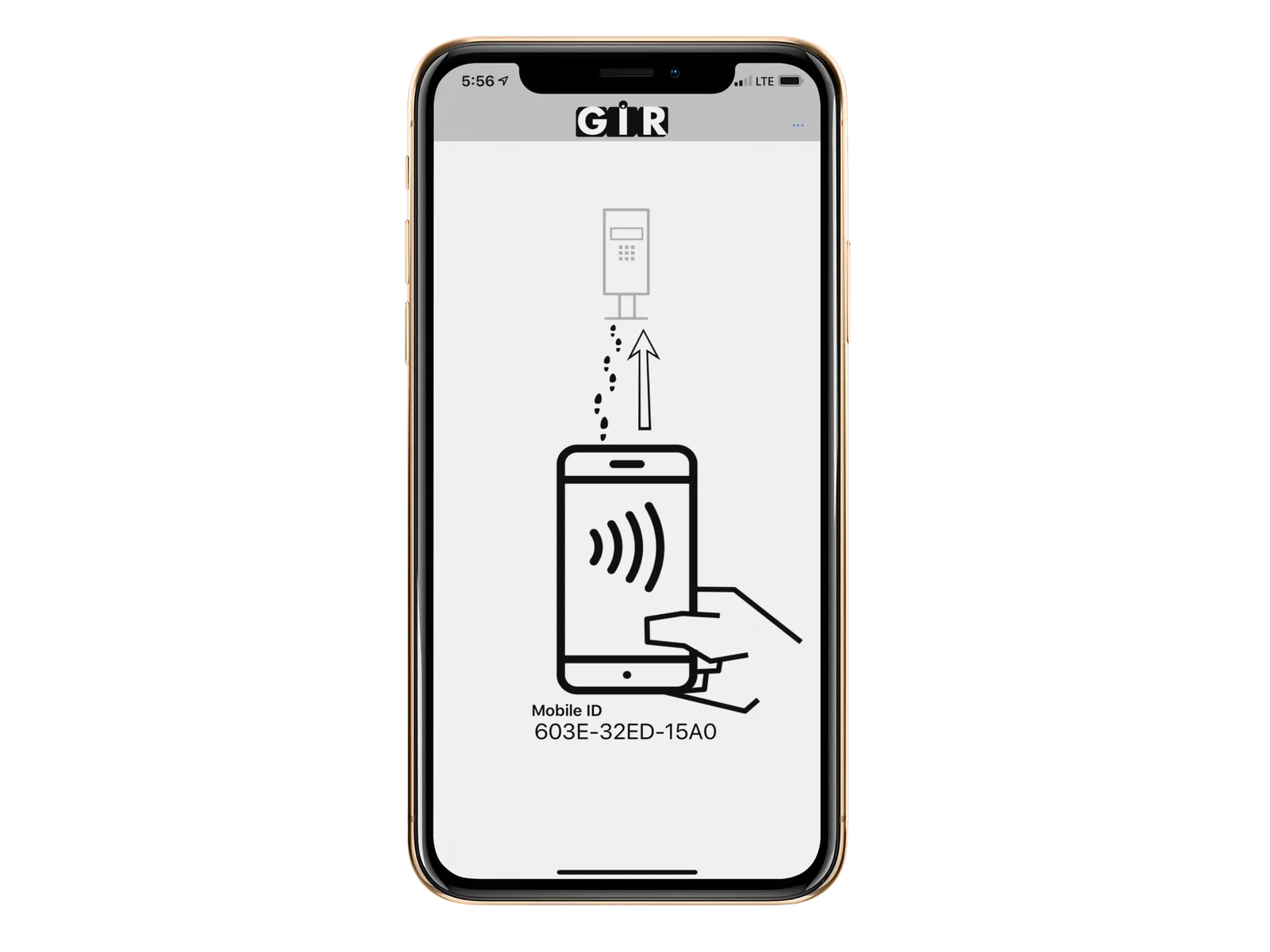
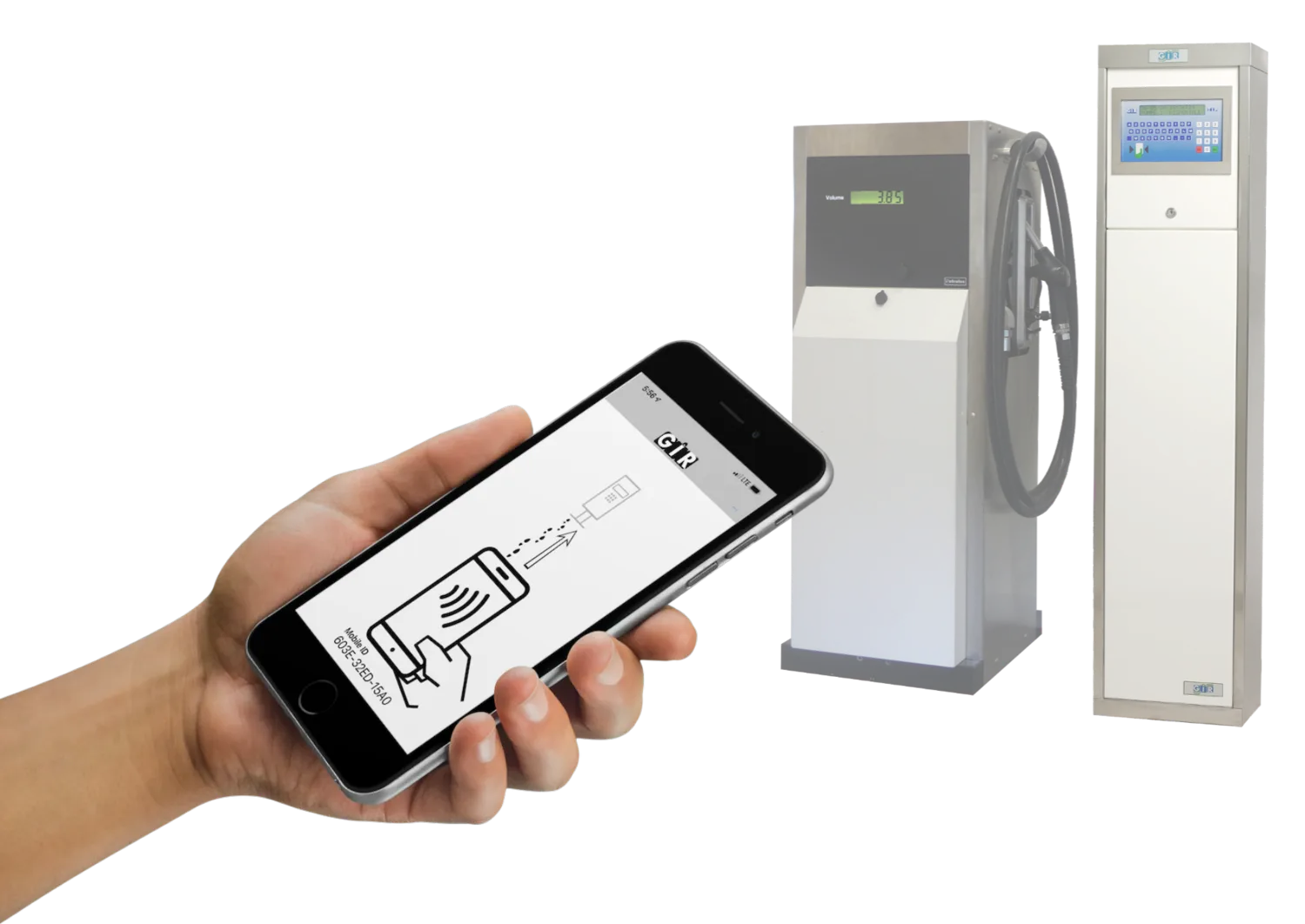
The GIR Mobile ID app turns the fueler phone into a virtual card that he would use to identify himself on the GIR terminal.
How does it work?
-
Download the GIR Mobile ID app on the fueler phone:
iPhone: Apple App Store
Android: Google Play Store -
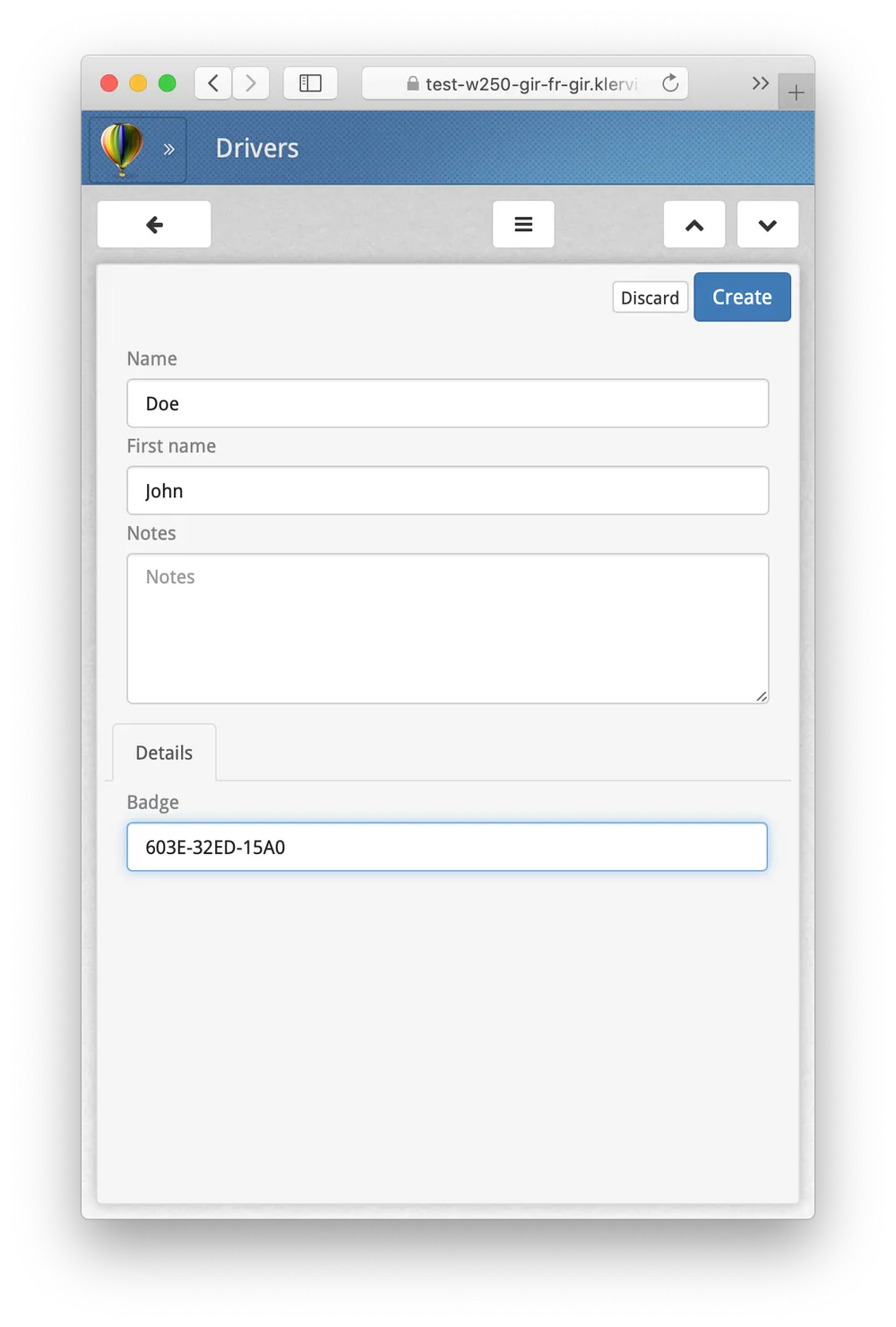
When you open the app, it shows up a device-unique ‘Mobile ID’, simply type it out under the driver administration page in GIR W250.
-
The fueler can now use his phone as a virtual card to identify himself at the GIR terminal!